

UniSoc Driver R4.19.3801 allows you to easily connect your smartphone, tablet, or other devices powered by UniSoc chipsets to a Windows PC without needing any additional PC Suite software.
This USB driver is especially useful for transferring files, syncing data, backing up your device, or performing advanced tasks such as flashing firmware on UniSoc-powered Android phones and feature phones.
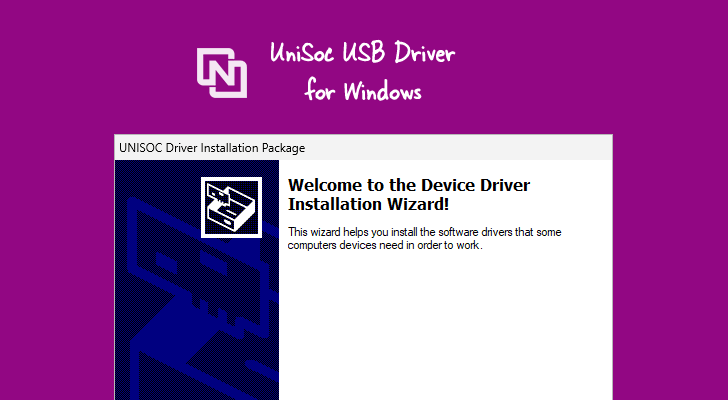
UniSoc Driver R4.19.3801 for Windows
The UniSoc Driver R4.19.3801 lets you connect smartphones and tablets running UniSoc chipsets to a Windows computer. It enables seamless data transfer, synchronization, backup, and restore between your device and PC. You may need to install the UniSoc USB Driver in the following situations:
- Transferring files and data between your UniSoc device and Windows PC
- Freeing up storage space on your phone by moving files to the computer.
- Installing or flashing stock firmware on the device.
- Writing or repairing the IMEI number on the device.
Download UniSoc Driver R4.19.3801
| Name | UniSoc Driver R4.19.3801 |
| Type | USB Driver for UniSoc Phones |
| Developer | UniSoc Technologies Co., Ltd. |
| File Name | UniSoc-Driver-R4.19.3801.zip |
| File Size | 10.22 MB |
| Version | R4.19.3801 |
| Supports | Windows 11, 10, 8.1, 8, 7 (32-bit & 64-bit) |
Frequently Asked Questions
What is UniSoc Driver R4.19.3801?
The UniSoc Driver (also known as UniSoc USB Driver or UniSoc VCOM Driver) allows your Windows computer to communicate with devices powered by UniSoc chipsets. These chipsets are widely used in budget Android smartphones and feature phones.
How do I install the UniSoc Driver R4.19.3801?
Installing the UniSoc Driver R4.19.3801 is simple. Just download the setup file and run it on your Windows PC like any other application. For step-by-step instructions, visit our detailed guide: How to Install UniSoc Driver.
Is UniSoc Driver R4.19.3801 Free?
Yes, the UniSoc Driver R4.19.3801 is completely free to download and use. It is officially distributed by the UniSoc community for all users of UniSoc-powered devices.
Is UniSoc Driver R4.19.3801 Safe?
Yes, the driver is safe for your Windows computer and UniSoc devices. Since the official chipset manufacturer community releases it, it is verified and secure.
Does UniSoc Driver R4.19.3801 support UniSoc Flash Tool / Research Download Tool?
Yes. This driver fully supports the official UniSoc Flash Tool (also known as the Research Download Tool or UniSoc Upgrade Tool), which is commonly used to flash firmware, custom recovery, and other files on UniSoc devices.
Does UniSoc Driver R4.19.3801 support IMEI Write Tools?
Yes. The driver works perfectly with IMEI Write Tools for UniSoc devices, allowing you to repair or rewrite IMEI numbers on supported Android smartphones and feature phones.
